

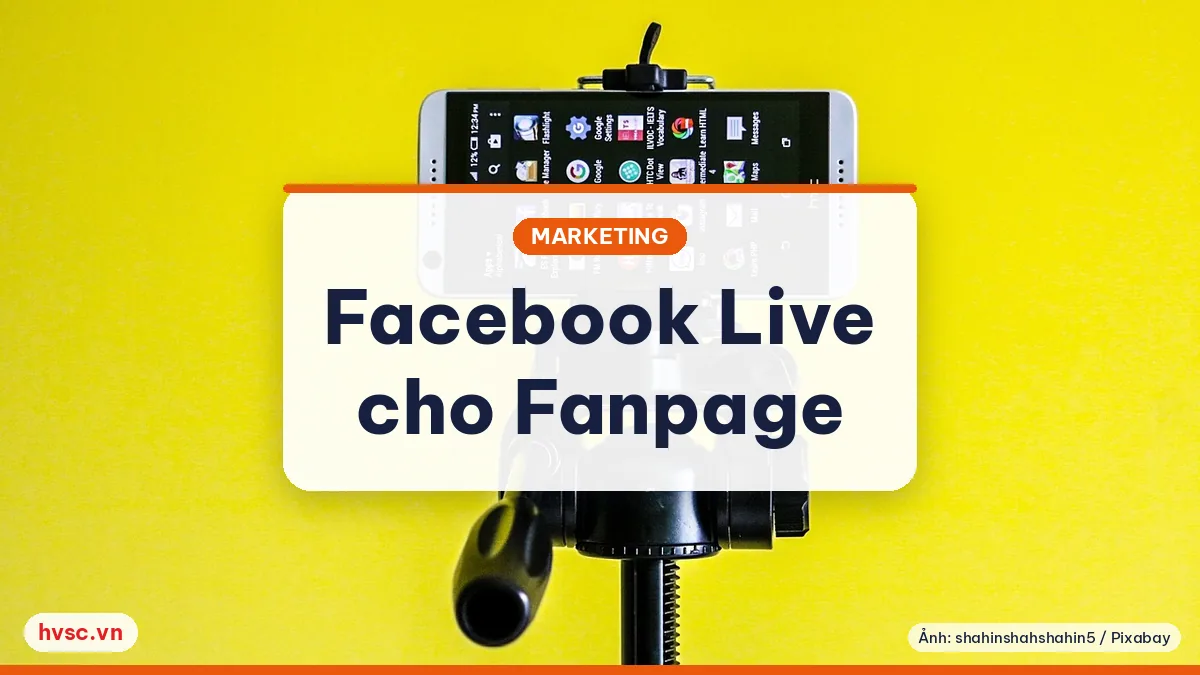
Live video (Facebook Live) is being tried by many Fanpages in 2016. For small businesses, it is a low-cost way to introduce products, answer questions and show customers the "real people, real work" behind the brand. This article compiles suggestions based on Facebook's documentation and information from new feature launches.
What content suits a live stream?
Not every broadcast needs elaborate staging. Some ideas:
- Live Q&A: the shop owner or a specialist answers questions customers often ask.
- Introduce new products and services: demonstrate how to use them and share tips.
- Behind the scenes: work processes, packaging, event preparation.
- Events and small seminars: let people who can't attend follow along.
Pick topics that are useful to viewers, not just constant advertising.
Basic technical preparation
Facebook's "best practices" document for developers has a few notable recommendations:
- Broadcast long enough: Facebook recommends streaming at least 10 minutes; a session can run up to 8 hours. Longer broadcasts give more people a chance to discover and share it.
- Use a wired connection if possible: wireless works, but the stream drops more easily.
- Add a location: adding a place to the video increases the chance of appearing on the Facebook Live Map.
- Stable equipment: the phone needs a full battery and a stand so the picture doesn't shake; choose a place with enough light and little noise.
Practical tip: do a test broadcast with the privacy setting set to only you so you can check picture, sound and connection before the real session.
Schedule and remind viewers
In October 2016, Facebook announced a live scheduling feature, initially for verified Pages and rolled out to more Pages later. According to the launch information:
- You can create a link for the broadcast up to a week in advance, with an announcement post in News Feed.
- Viewers can choose to get a reminder when the broadcast starts.
- There is a "waiting room": viewers can join about three minutes early to chat.
When this feature is open to your Page, announce the broadcast time early, remind viewers one to two hours before, and set a fixed time (for example one session a week) so customers remember easily.
Engaging during the broadcast
- Greet viewers as they join and mention the Page name, since people join at any moment.
- Read and answer comments by name, and ask someone to help if needed.
- Invite people to like/follow the Page and sign up for live video notifications. Note that people who haven't followed, or who have received too many notifications in 24 hours, may not get notified.
- State your call to action clearly at the end: message us, book an appointment, visit the store.
After the broadcast
- The video is saved on the Page; you can retitle it, trim segments, or let customers rewatch it.
- Look at views, watch time and comments to see which content keeps viewers.
- Note down customers' questions to make articles, images or videos later.
Content notes
Don't use others' images, music or videos without permission. Avoid over-promising about products, especially when it involves health or finance. Ask permission from people appearing in the video before broadcasting.
2026 update: Facebook's interface, feature names and video distribution have changed a lot since 2016. Check Meta's current help center before applying the specific steps above.
If you need help building a digital content plan, you can contact HVSC's Technology team.
FAQ
Do I need expensive equipment to go live on Facebook?
Not required. A phone with a stable connection, a stand and a well-lit place are enough to start. Clear sound is often more important than overly polished visuals.
How long should I stream?
Facebook's documentation recommends at least 10 minutes. The right length depends on the content, as long as viewers get useful information.
How do I let customers know the broadcast time in advance?
Post an announcement of the broadcast time on the Page, remind viewers before it starts, and use the scheduling feature if your Page has access.
Reference sources
- Facebook for Developers — Live Video API Best Practices: https://developers.facebook.com/docs/live-video-api/best-practices
- TechCrunch — Facebook Live unlocks scheduling and pre-stream lobby (18/10/2016): https://techcrunch.com/2016/10/18/facebook-live-unlocks-scheduling-and-pre-stream-lobby-first-for-verified-pages/
- SiliconANGLE — Facebook Live launches scheduling feature (18/10/2016): https://siliconangle.com/2016/10/18/facebook-live-launches-scheduling-feature-for-live-videos-how-publishers-can-get-started/
Want customers to find you on Google and AI?
HVSC reviews your website and suggests which SEO and GEO work to do first.
FAQ
Do I need expensive equipment to go live on Facebook?
Not required. A phone with a stable connection, a stand and a well-lit place are enough to start. Clear sound is often more important than overly polished visuals.
How long should I stream?
Facebook's documentation recommends at least 10 minutes. The right length depends on the content, as long as viewers get useful information.
How do I let customers know the broadcast time in advance?
Post an announcement of the broadcast time on the Page, remind viewers before it starts, and use the scheduling feature if your Page has access.



 ▶
▶ ▶
▶