




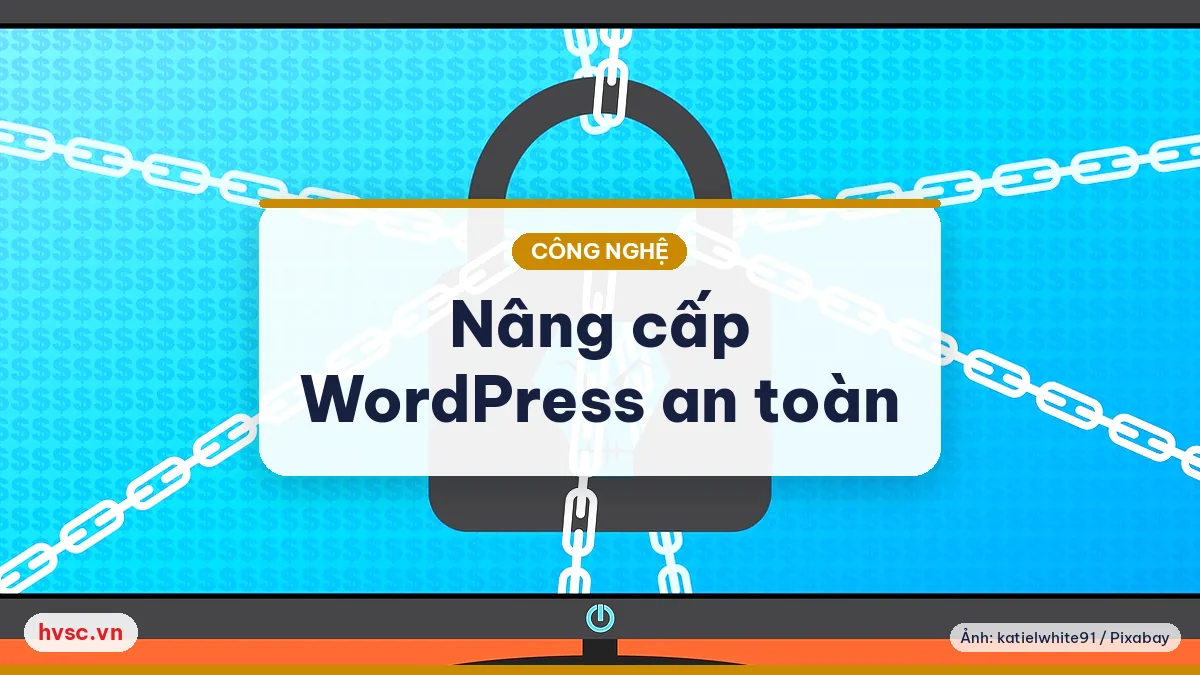
A running website is very different from a newly built one: every hour brings customers, orders and forms. That's why many website owners are in a difficult position. If you don't update, old plugins become vulnerabilities, but if you update, you fear breaking the layout or losing orders. The way out is to turn updating into a controlled process instead of a single click. This article describes that process for WordPress, along with the basic security layers you should already have in place.
Why Old Websites Are Easy to Attack
Most malicious code injections into WordPress websites don't come from a "hacker targeting one specific business." Automated tools scan websites in bulk for versions of plugins, themes or core with publicly disclosed vulnerabilities, then attack any website that matches. Three common sources of risk:
- Plugins and themes that haven't been updated for a long time or have been abandoned by their authors.
- Nulled plugins and themes downloaded from unofficial sources, which may come with a built-in backdoor.
- Weak admin accounts or no limit on failed login attempts.
A Controlled Upgrade Process
- Take inventory first. Record the WordPress version, PHP version, the list of plugins and themes, and which plugins matter to revenue (payments, ordering, forms).
- Back up files and the database. Right before updating, create a fresh backup and store it somewhere other than the website server. Check that it opens.
- Test on a copy. Build a copy of the website (a test environment), update there, and check the layout, cart, checkout and forms on both phone and computer.
- Choose a low-traffic time. Do the real update when there are few visitors, avoiding ad-running hours and promotion days.
- Update in order. Usually in sequence: core, then each important plugin, then the theme. Keep each step small so you know which change caused a problem, instead of updating everything at once.
- Check after updating. Open the main pages, try placing an order or submitting a form, review the error log, measure speed.
- Clear the cache in the right places. Cached pages may still show the old version; clear the cache of affected pages rather than necessarily clearing everything.
- Have a way back. If there's a serious error, restore from the backup you just created in step 2, then find the cause on the test copy.
For the PHP version, upgrade once plugins and themes are compatible, and test on a copy first. Running an unsupported PHP version means no longer receiving security patches; check the support schedule on PHP's official website.
Seven Basic Security Layers
| Layer | What You Need | What It's For |
|---|---|---|
| Account | Strong passwords, two-step verification, one account per person, correct permissions | Reduces the risk of leaked passwords |
| Sign In | Limit failed login attempts | Blocks bulk password guessing |
| Uploads Folder | Don't allow PHP code to run in `wp-content/uploads` | Uploaded malware can't run |
| Installation Source | Install plugins and themes only from official sources | Avoids backdoors in nulled copies |
| Periodic Scanning | Check whether core files have been modified, scan for malware | Early detection |
| SSL Certificate | Auto-renewal, with expiry reminders | Avoids "not secure" warnings |
| Backup | Stored elsewhere, multiple copies, restore tested | A fallback when everything breaks |
This is the baseline layer, not an absolute guarantee. No system is 100% secure, so the recovery process and backups matter as much as defense.
When Your Website Has Injected Code or Strange Redirects
Common signs: customers get redirected to strange pages, search results show content that isn't yours, browsers warn that the site is dangerous. What to do, in order:
- Back up the current state (including the infected version) before touching anything, so you keep evidence and can find the cause.
- Change the admin, database and hosting passwords, and revoke unknown accounts.
- Find and remove malware, compare core files against the originals, and review the uploads folder and plugins.
- Close the root vulnerability (usually an old plugin or weak account). If you only remove the code without closing the door, the site gets infected again.
- Request a review through Google Search Console if the website has been flagged with a warning.
If you're unsure how to proceed, having a technician handle it is safer than deleting files yourself, because deleting a core file by mistake can take the website down completely.
Who to Hand This To
A website that sells products or gets many orders every day should have someone responsible for updating and monitoring on a cycle, instead of waiting for an error before acting. See the overview in the article what website management includes.
HVSC Support
HVSC provides controlled upgrades and security hardening for running websites, including websites not built by HVSC: backup, testing on a copy, updating at low-traffic hours, post-update checks and keeping a way back; websites with injected code are handled as a priority. Scope, response time and cost are written into the contract after the current state is inspected. See full-service website management or call 0939.502.093.
Need advice on websites, software or security?
Describe the problem, and HVSC engineers will discuss the scope and options suited to your business.
FAQ
Will a plugin update take the website down?
It can, if you update directly on the live website without testing. Testing on a copy and backing up right before the real update reduces the risk and lets you roll back.
How often should I update?
Follow a fixed cycle, such as monthly, and update sooner when a patch is released for a serious security vulnerability in a plugin you use.
Should I turn on automatic updates?
For minor patches, it can be worth considering. For online stores, many businesses choose controlled updates so they can check before applying.
If my website has injected code, is deleting the plugin enough?
Not necessarily. Malware needs to be found in multiple places and the root vulnerability closed, otherwise the website is easily infected again.
Can a cheaper paid plugin downloaded from another site be used?
No. Unofficial copies may come with malware and don't receive patches, which is both a copyright violation and a security risk.





 ▶
 ▶
 ▶
 ▶
 ▶
 ▶