Case study: foodnha.comA community site reviewing restaurants and cafes
Foodnha.com describes itself as a food review social network for food lovers in Vietnam. This page lists what is visible on the public website and the work HVSC is doing.
What HVSC doesThe website runs on a server operated by HVSC. HVSC keeps the CMS core, modules and server security layer up to date; when checked on October 12, 2026, the website's CMS core was on the latest version.
SourceRead directly from the public website on October 12, 2026. This page does not state the client's business figures, traffic or revenue.
02Features visible on the website
What the foodnha.com website has
Lists only features visible when opening the website on October 12, 2026, with no guesses about the admin side behind it.
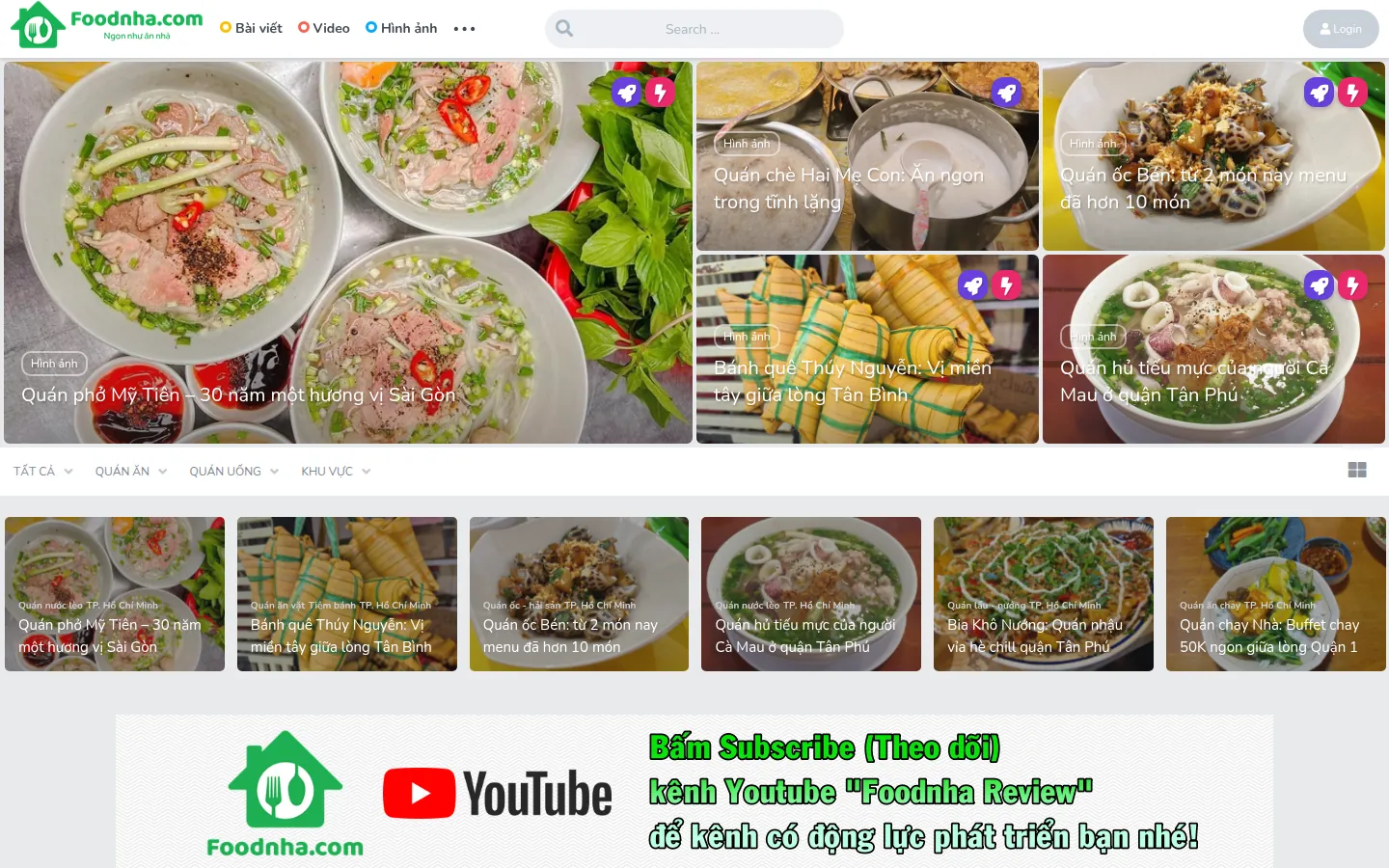
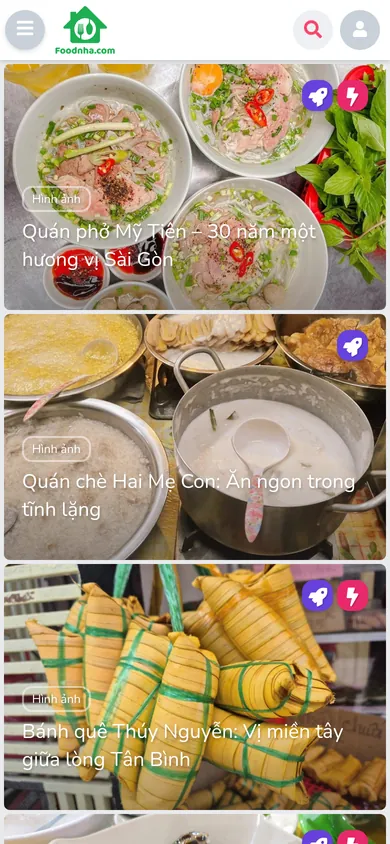
Featured grid with large images
The first screen is a magazine-style grid of large-image articles, with post-type labels.
Three content types
Articles, Videos, and Images tabs.
Browse by category
All, Hot, Trending, In the Kitchen, Discover… with restaurant and cafe groups broken down further.
Browse by region
A list of provinces and cities to find places near where you live.
Members
Member login and a user leaderboard ranked by points.
Search
A search box at the top of the page.
Community guidelines
The footer includes community guidelines, privacy policy, and terms.
03Notes
The client's interface, with the core kept up to date by HVSC
Send us your website address and what you want to keep or change. HVSC's engineers review the current state and tell you what to do first: keep the familiar design, update the core, modules and security.
Open quickly from your home screen, full screen like an app — view tickets, get quotes and track flights with a single tap. Takes up no storage and always updates itself.
📱 iPhone / iPad
1Open hvsc.vn in Safari (or Chrome on iOS 16.4+).
2Tap the Share button ⬆︎ on the bottom bar (or at the top on iPad).
3Scroll down and choose “Add to Home Screen”.
4Tap Add — the HVSC icon appears on your home screen.
🤖 Android Phone
1Open hvsc.vn in Chrome, Samsung Internet or Cốc Cốc.
2Tap Install now above, or tap the ⋮ menu.
3Choose “Install app” / “Add to Home screen”.
4Confirm Install.
🪟 Windows Computer
1Open hvsc.vn in Chrome, Edge or Cốc Cốc.
2Click the Install ⊕ icon at the end of the address bar (or the Install now button above).
3Edge: menu … → Apps → Install this site as an app.
4HVSC appears in the Start menu and can be pinned to the taskbar.
💻 MacBook / iMac
1Safari (macOS Sonoma or later): File menu → Add to Dock.
2Chrome / Edge: click the Install ⊕ icon on the address bar.
3Open HVSC from the Dock or Launchpad like any app.
App mode has no browser Back button — use the ‹ › buttons at the left corner of the screen to go to the previous / next page.
Add HVSC to Your Home ScreenOpens fast like an app, view tickets and get notifications















 ▶
 ▶
 ▶
 ▶
 ▶
 ▶